Office WiFi QR Onboarding for Visitors and Meeting Rooms
Last updated: December 11, 2025 — See all guides at /guides/
This guide helps offices onboard visitors and contractors quickly using Wi‑Fi QR codes while protecting internal networks.
Ready to put this into practice? Generate a free WiFi QR code now and test it on one iPhone + one Android device.
1) Separate guest access
Use a guest SSID/VLAN that blocks access to internal devices. Keep staff Wi‑Fi separate.
2) Standardize signage
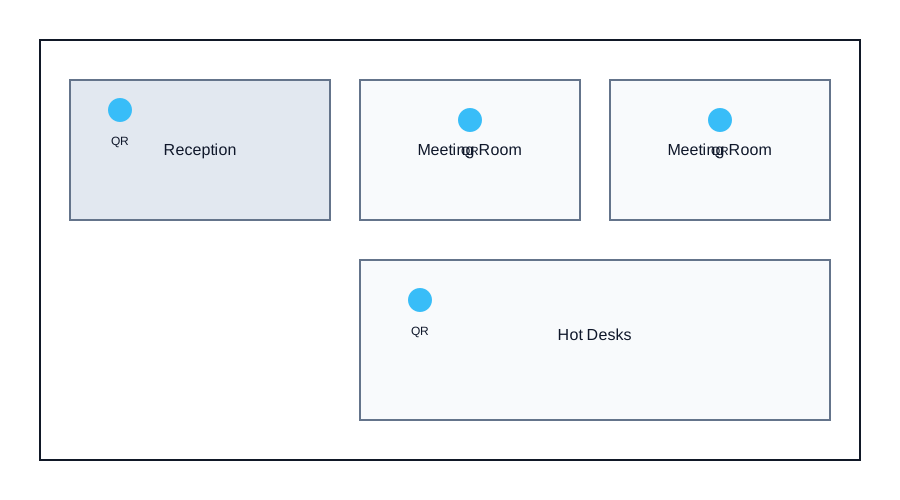
- Meeting rooms: place a small QR card near the display.
- Reception: place a poster with fallback text (SSID + password).
- Visitor badges: include a small QR if you print badges on-site.
3) Rotation policy
- Weekly rotation for high-traffic offices.
- Monthly rotation for low visitor volume.
- Immediate rotation after large events.
4) Generate, export, and test
- Create the QR with correct SSID/security.
- Export at 800–1200 px for print or 300–500 px for screens.
- Test with iOS and Android devices after any router changes.
5) Security checklist
- Disable guest peer-to-peer access if your router supports it.
- Keep passwords at 12+ characters.
- Reprint signage after every rotation.
Diagram: office placement
Need a live code for your venue? Open the WiFi QR Generator and download a print-ready PNG in under a minute.
Back to the generator