WiFi QR Deployment Guide for Cafes and Restaurants
Last updated: December 11, 2025 — See all guides at /guides/
This guide helps cafes and restaurants deploy Wi‑Fi QR codes that work reliably without constant staff support.
Ready to put this into practice? Generate a free WiFi QR code now and test it on one iPhone + one Android device.
1) Set up the right guest network
Use a guest SSID
Create a dedicated guest SSID to isolate visitors from internal systems (POS, printers, staff devices).
Pick WPA2/WPA3
Use WPA2 or WPA3. Avoid open networks unless you must use a captive portal.
Set a rotation cadence
- Busy cafes: rotate weekly.
- Restaurants: rotate monthly unless abuse is common.
2) Generate and test the QR
- Enter the exact SSID and password (case-sensitive).
- Choose WPA/WPA2/WPA3; error correction M or Q.
- Export at 800–1200 px for print; 300–500 px for screens.
- Test with one iOS and one Android device in real lighting.
3) Placement strategy
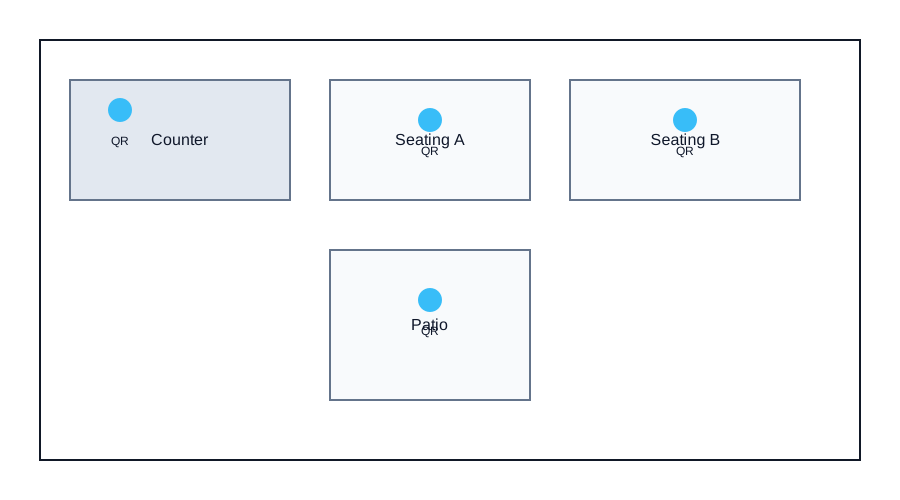
- Table tents at each table or counter are ideal.
- Place a larger poster near the entrance or pickup counter.
- Avoid glossy lamination and reflective frames.
4) Use the printable templates
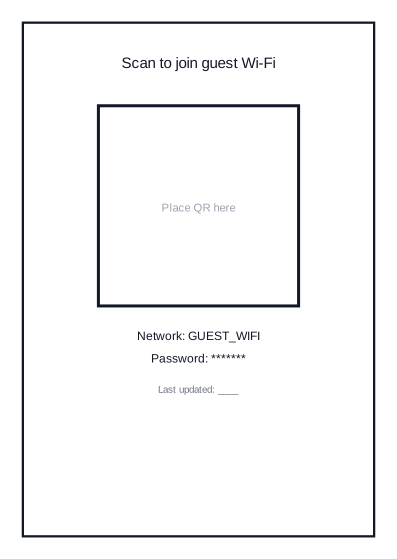
Use the table tent template for fast deployment:
Download table tent SVG
5) Staff workflow
- Store the QR PNG in a shared folder with the date in the filename.
- Keep a printed spare at the counter.
- Replace old table tents immediately after rotation.
6) Common problems and fixes
- Guests can scan but can’t join: check security type and password accuracy.
- Slow scans: increase QR size and contrast; avoid glare.
- Frequent “What’s the Wi‑Fi?” questions: add signage at entrance and pickup counter.
Diagram: recommended placement
Need a live code for your venue? Open the WiFi QR Generator and download a print-ready PNG in under a minute.
Back to the generator