Printable WiFi QR Design Templates
Last updated: December 11, 2025 — See all guides at /guides/
Use these printable templates to place your Wi‑Fi QR code with clear margins, legible captions, and the right size for the setting.
Ready to put this into practice? Generate a free WiFi QR code now and test it on one iPhone + one Android device.
How to use these templates
- Generate your Wi‑Fi QR code using the generator and download a PNG (800–1200 px for print).
- Open a template (SVG) in your design tool (Figma, Canva, Illustrator, or Google Slides).
- Drop the QR image into the marked QR area and export to PDF for printing.
Templates
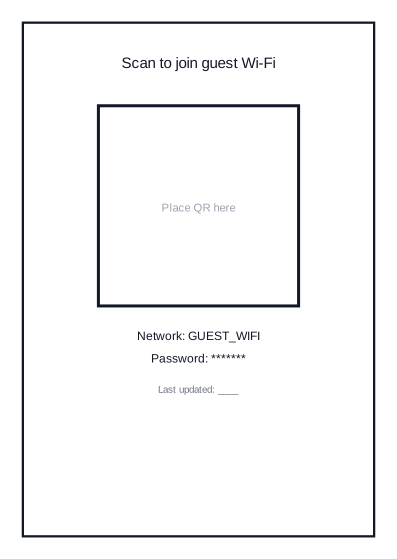
Table tent (A6)
Best for cafes, lobbies, and waiting areas. Place on tables or counters at eye level.
Download table tent SVG
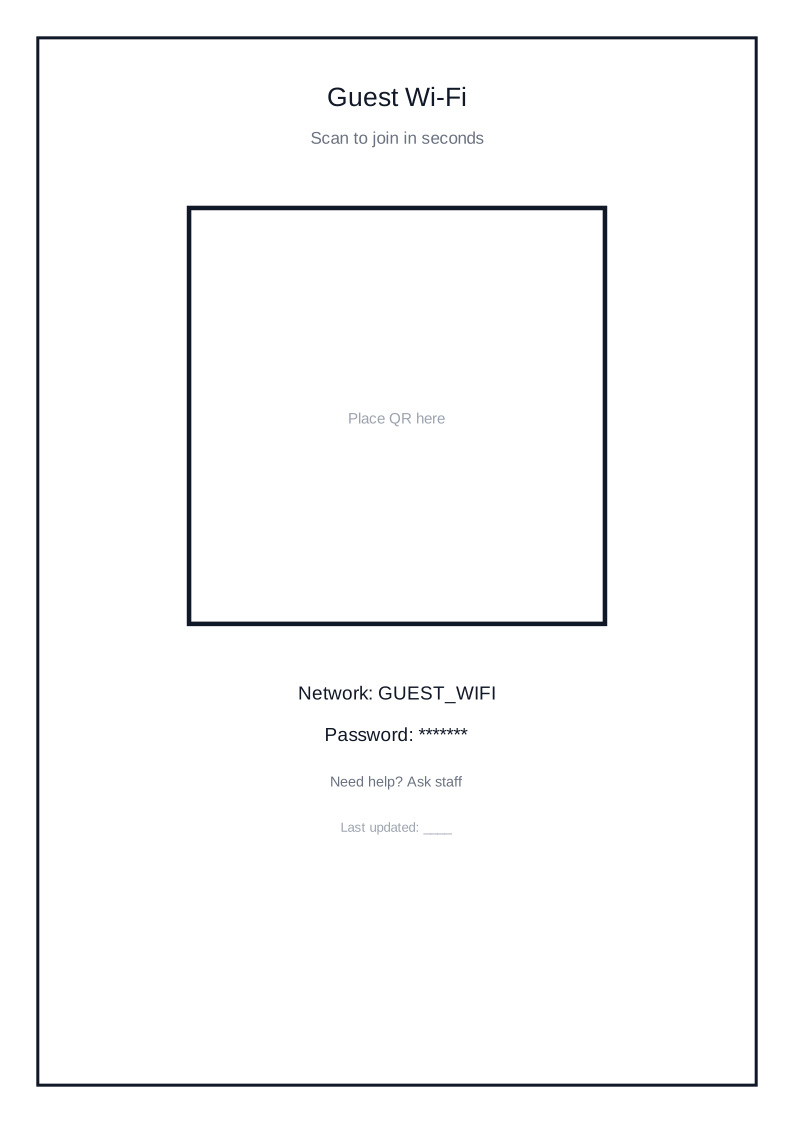
Poster (A4)
Best for events, conference halls, and large venues. Use larger type and a 4–6 module margin.
Download poster SVG
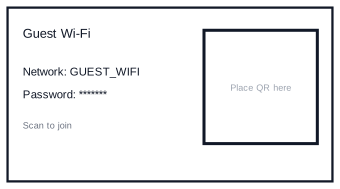
Business card
Best for short-term rentals or guest welcome packets. Keep the QR at least 2.5 cm wide.
Download business card SVG
Typography and layout tips
- Use a short caption like “Scan to join guest Wi‑Fi”.
- Keep a text fallback (SSID + password) under the QR for accessibility.
- Maintain a clear margin/quiet zone around the QR, especially on small prints.
Print checklist
- Matte stock reduces glare and improves scan reliability.
- Export at 300 DPI for print.
- Test with one iOS and one Android device before bulk printing.
FAQ
Which template is best for cafes and restaurants?
Use the A6 table tent format. It is easy to place on tables and quick to swap during guest password rotation.
Should I use PNG or SVG?
SVG is better when you need resizing or design edits. High-resolution PNG is fine for fast print workflows.
How much quiet zone do I need?
Keep at least 4 modules around the QR. For smaller cards, use 6 modules to reduce scan failures.
Need a live code for your venue? Open the WiFi QR Generator and download a print-ready PNG in under a minute.
Back to the generator